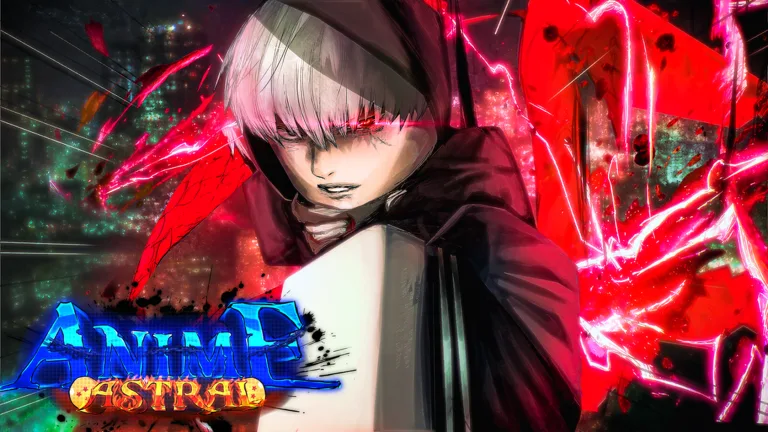
How to Join the Anime Astral Simulator Discord Server
Learn how to join the official Anime Astral Simulator Discord server to stay updated on game news, events, and community rewards for the hit Roblox title.
Published: Anime Astral Simulator Wiki Editorial Team
Table of Contents
Joining the Official Anime Astral Simulator Discord
For players deeply invested in Anime Astral Simulator, the official Discord server serves as the primary hub for community interaction and developer updates. Joining this server is the most efficient way to stay informed about new game versions, balance changes, and upcoming events.
To join the community, launch your Discord application on your desktop or mobile device. Locate the "plus" (+) icon on the left-hand sidebar, which is used for adding or creating servers. Click this button, then select the "Join a Server" option at the bottom of the menu. Paste the official invite link into the designated text box and click "Join Server." Once you have entered the server, ensure you follow any verification steps or server rules set by the moderation team to gain full access to the community channels.
Staying Updated with Game Development
The StarX Inc team frequently utilizes the Discord server to announce patch notes and major content drops. As the game evolves—recently reaching Update 18—the server acts as a real-time notification system. By monitoring the announcement channels, you can learn about new mechanics, world expansions, and balance adjustments before they hit the broader player base.
Community reports suggest that being active in the server can also provide insights into meta shifts. When developers introduce new items or adjust combat scaling, the community discussions often highlight the most effective strategies for the current patch. This can save you significant time in the game, preventing you from investing resources into gear or skills that have been recently nerfed.
Engaging with the Community
Beyond official announcements, the Discord server is a valuable resource for finding groups or trading partners. Many players use the platform to coordinate raids, share tips on how to clear difficult content, or discuss the best farming routes for F2P tickets and potions.
Tip
Always verify the server link through official channels, such as the game's official Roblox page. Avoid clicking suspicious links shared by unauthorized users in public chats to keep your account secure.
Troubleshooting Common Discord Issues
If you encounter difficulties joining the server, consider the following common scenarios:
Invalid Link: If the link is expired, check the official Roblox game description or the game's social media links for a refreshed invitation.
Account Restrictions: Ensure your Discord account is verified with a valid email address, as some servers restrict access for new or unverified accounts to prevent spam.
Server Capacity: While rare for a game of this size, if a server is at maximum capacity, you may need to wait for the developers to increase the limit or remove inactive members.
Maximizing Your Gameplay Experience
The Discord server is not just for socializing; it is a tool for optimization. By staying connected, you can keep track of when new promotional codes are released. While guides on sites like Game Rant are excellent for finding comprehensive lists of active codes, the Discord server often provides the fastest notifications when a new code is dropped by the developers.
[ ] Check the #announcements channel for the latest update patch notes.
[ ] Review the #rules channel to avoid accidental bans.
[ ] Participate in community discussions to learn about the latest combat meta.
[ ] Bookmark your favorite code-tracking resources to supplement Discord news.
FAQ
How can I find the most recent Anime Astral Simulator codes?
While the official Discord is great for real-time news, you can find a comprehensive, updated list of working codes—such as those released for Update 18 like UPDATE18 and MORIOHTOWN—on dedicated gaming news sites that track the game's reward systems daily.
Is there a specific role I need to play the game?
No, the Discord server is a community space. You do not need any specific roles or ranks within the Discord server to launch or play the game on Roblox.
Can I report bugs via Discord?
Yes, most developers provide a dedicated channel for bug reporting within their Discord server. Providing clear screenshots and descriptions of the issue helps the development team fix problems faster.